Perfect Take Gear
Huion Kamvas Pro 16 Pen Display Tablet
Huion Kamvas Pro 16 Pen Display Tablet
Couldn't load pickup availability
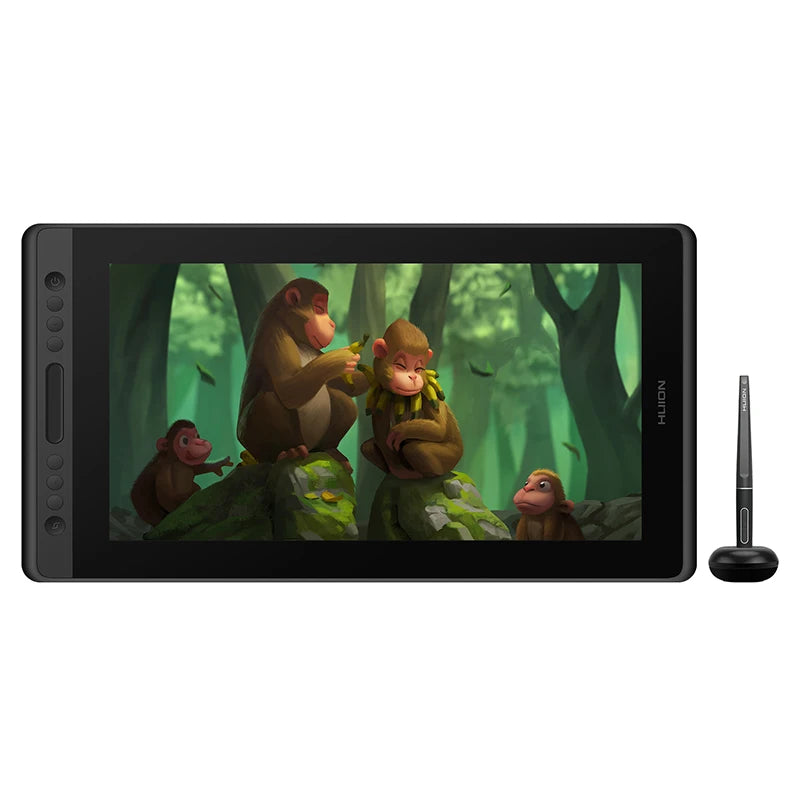
The Huion Kamvas Pro 16 offers a spacious 15.6-inch working area with 1920x1080 resolution, ideal for designers, animators, filmmakers, and art students who need sufficient screen real estate without sacrificing portability. A 120% sRGB color gamut brings 16.7 million colors to life with accurate, vibrant tones.
AG glass and full lamination combine for a clear, matte finish that mimics the feel of drawing on paper, with a 178° viewing angle keeping colors consistent from nearly any position. The battery-free PW507 pen delivers 8192 levels of pressure sensitivity and ±60° tilt support at a 266PPS report rate, for smooth, natural line work.
Six customized express keys give quick access to your most-used shortcuts, speeding up zooming, brush size adjustments, and other common tasks. At just 11.5mm thin and under 3 pounds, Kamvas Pro 16 connects via Type-C to Windows 7+ or macOS 10.12+ computers, and works with popular creative software like Photoshop, Clip Studio Paint, and Lightroom.
Key Features
- 15.6" display, 1920x1080 resolution, 120% sRGB
- AG glass, full lamination, 178° viewing angle
- Battery-free PW507 pen, 8192 pressure levels, ±60° tilt
- 266PPS report rate for smooth line input
- 6 customized express keys
- Ultra-slim (11.5mm), under 3 lbs
- Type-C connection, Windows/macOS compatible
Specifications
Brand: HUION
Model: Kamvas Pro 16
Display Area: 344.16 x 193.59mm
Screen Size: 15.6"
Resolution: 1920x1080
Pen: PW507, battery-free, 8192 pressure levels
Report Rate: 266PPS
Shortcut Keys: 6 customizable
Interface: Type-C
OS Support: Windows 7+, macOS 10.12+
Share


Good drawing accuracy. however, the shipping took about a month and there was no tracking available. i also noticed occasional red pixel artifacts on the screen. additionally, my package did not include spare pen nibs or a nib removal tool. while the tablet is usable, i will likely continue using my wacom as my primary drawing device. It can be phrased like this in English: I received the Huion Kamvas 16 Pro about a month after placing the order, and unfortunately there was no tracking information available during shipping. The tablet is reasonably accurate for drawing, but I occasionally experience an issue where the screen shows red pixels. The package did not include any extra pen nibs or the nib removal ring/tool, which was disappointing. Overall, the device works, but it probably won't become my main drawing tablet. I will most likely continue using my Wacom as my primary device. Pros: Accurate drawing performance Good screen size Cons: Long shipping time No tracking information Occasional red pixel issues on the display No spare nibs or nib removal tool included Overall rating: 3/5 ⭐ Or in a slightly more gentle version: The Huion Kamvas 16 Pro is a decent drawing tablet with good drawing accuracy. However, the shipping took about a month and there was no tracking available. I also noticed occasional red pixel artifacts on
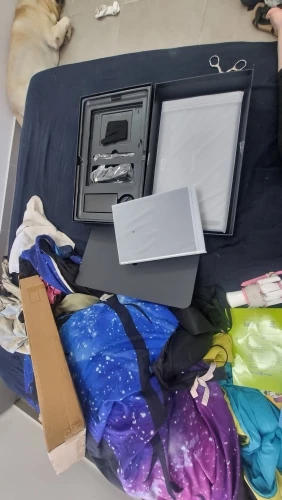
Excellent product, my son is happy, everything works, thanks to the seller, delivery was fast.
Arrived intact, was well packaged. It works. Haven't drawn much yet, but it's an excellent product!
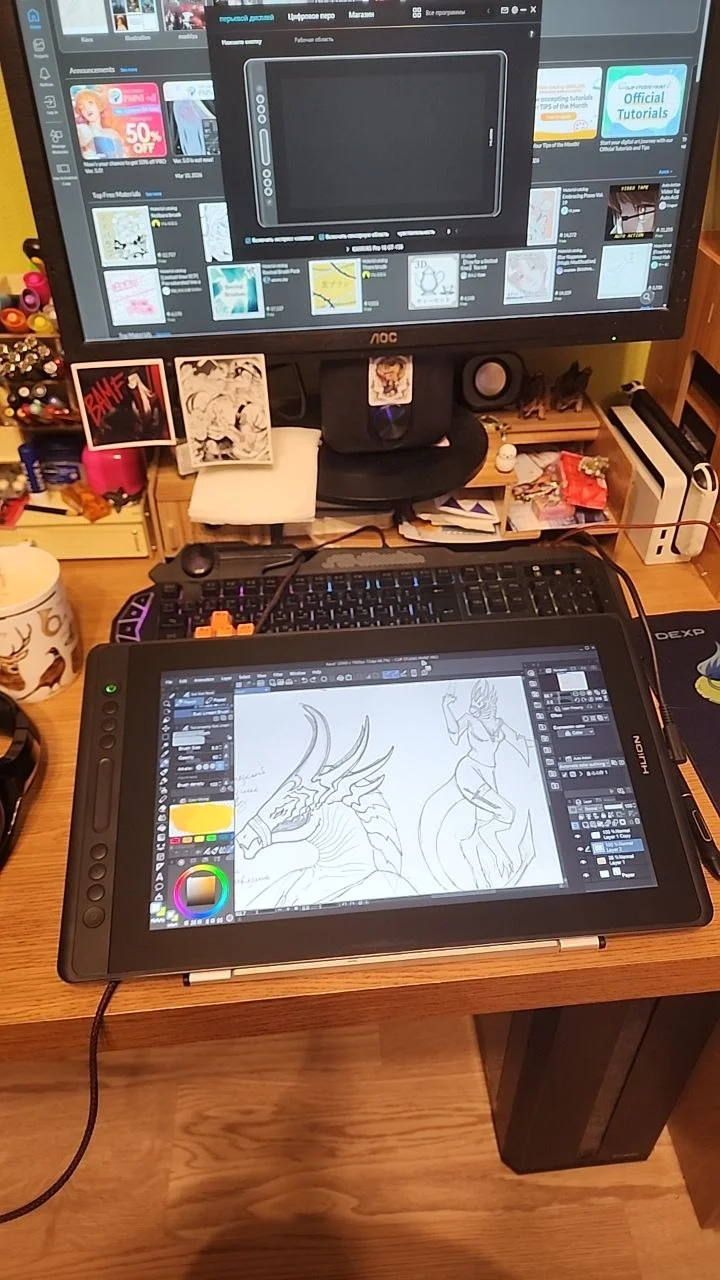
Without describing the characteristics, I'll just share my impressions. I used to draw on a tiny wooden board and now I've switched to this tablet; this is my first drawing tablet. Drawing has become more enjoyable, there are similarities with traditional methods, and it has become easier for me to see the picture as a whole. A very nice stylus, easy to use. I customized the buttons to suit my needs; the only difference is the color display compared to the monitor. But since I use the tablet as a second monitor, I can compare the color in both places at the same time. By the way, I'm using a PC, and my case only has one HDMI connector, so I had to get a DVI-to-HDMI adapter and plug it into the DVI port. Overall, I'm very satisfied, and I even got it at a discount for 18k for my birthday :)
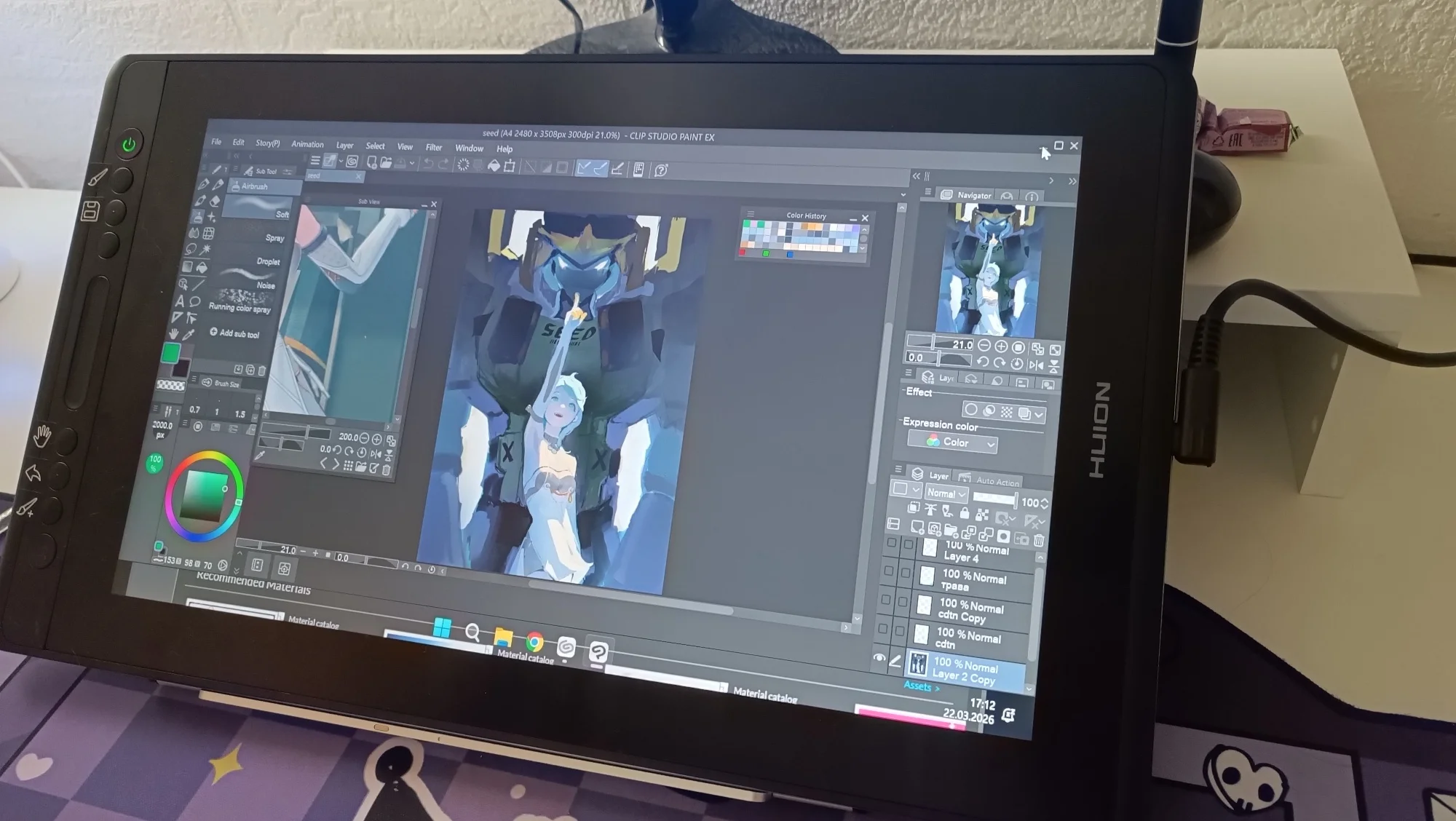
Great, works perfectly, responsive, I don't even know where to use all the buttons, there are so many. Arrived even faster than promised.