

How to Choose a Vlogging Camera for Beginners 2026
Table of Contents
- Essential Vlogging Gear for Beginners
- Vlogging Camera Features Checklist
- Vlogging Camera vs Smartphone Quality
- How to Set Up a Vlogging Camera
- Frequently Asked Questions
Last Updated: September 1, 2026
Essential Vlogging Gear for Beginners
Choosing the right equipment is the foundation of quality vlogging. Beginners often assume expensive gear equals better results, but a beginner vlogger needs three core elements: a camera with autofocus and image stabilization, audio input for a microphone, and a flip screen for framing. These features matter far more than a high price tag.
Perfect Take Gear carries several options that balance affordability with professional-grade performance. The DJI Osmo Pocket 4 Creator Combo bundles a gimbal camera with a wireless microphone system, eliminating the need to source components separately. For budget-conscious creators, the 48MP 4K Handheld Vlogging Camera delivers flip-screen convenience and built-in noise reduction without overwhelming complexity. If you're building out your full setup, Cameras, Lighting & Audio Equipment options help you add external microphones, lighting rigs, and stabilization tools as your channel grows.

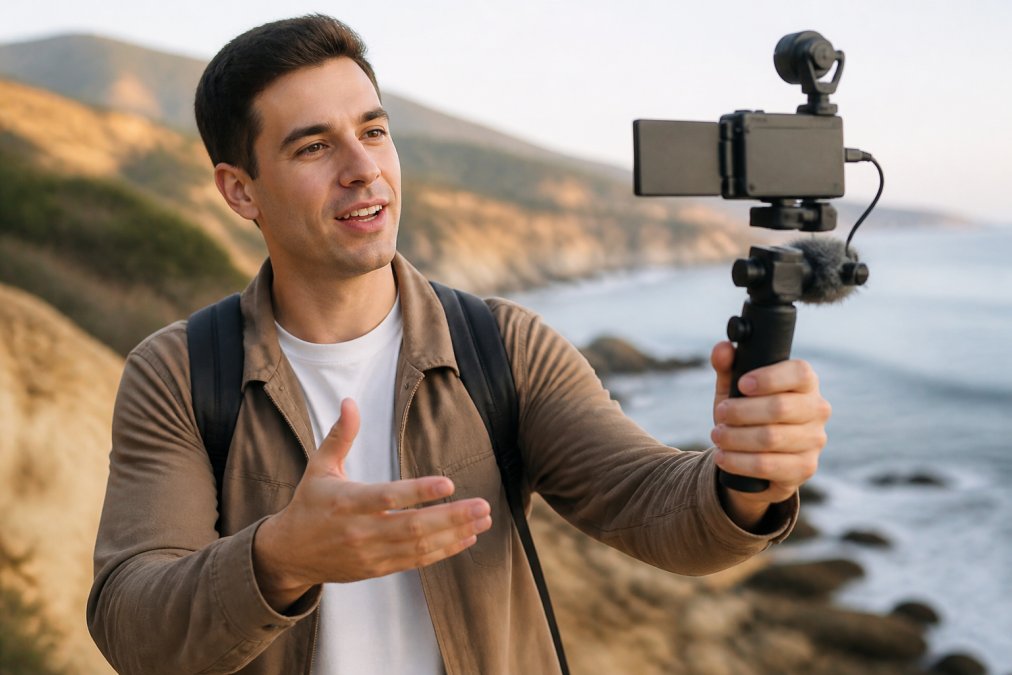
The mistake most beginners make is overthinking specs. Start with stabilization and audio. Everything else builds from there.
Vlogging Camera Features Checklist
When evaluating a vlogging camera for beginners, focus on these core capabilities. Autofocus performance determines whether your subject stays sharp during movement. Look for face-tracking technology that keeps you in frame automatically, essential for solo creators who can't adjust focus mid-shot.

Image stabilization comes in two forms: electronic (software-based) and mechanical (gimbal-based). Mechanical stabilization produces visibly smoother footage during handheld shooting (peer-reviewed research). A flip screen, ideally 270 degrees, lets you frame yourself without guessing.
Audio input options separate amateur setups from professional ones. A 3.5mm microphone jack or wireless connectivity lets you attach external microphones, which dramatically improve audio quality compared to built-in mics.
Vlogging Camera vs Smartphone Quality
Your smartphone already captures excellent video. The question is whether the upgrade justifies the investment for your specific goals.
Smartphones excel at convenience and computational photography. They apply real-time beautification, automatic white balance correction, and intelligent exposure metering. This is perfect if you're posting to TikTok or Instagram Reels and don't want to spend time editing.
Dedicated vlogging cameras offer three advantages smartphones cannot match: mechanical stabilization, external audio input, and dynamic range control. A gimbal camera keeps footage smooth even on stairs or uneven terrain. An external microphone captures clean dialogue without wind noise. Log profiles and RAW recording give you post-production flexibility that smartphone processing destroys.
The real difference emerges in post-production. Smartphone footage is locked into the processing choices made at capture time. Vlogging camera footage gives editors control over color grading, exposure, and white balance.
How to Set Up a Vlogging Camera
Setup typically takes 20-30 minutes for a first-time user. Begin by charging the battery fully and inserting an SD card. Format the card in the camera itself to ensure compatibility.
Mount the camera on a tripod or gimbal at eye level. Position the flip screen so you can see your framing without awkward angles. Connect an external microphone if you have one. Test audio levels by speaking at normal volume and checking the meter in the camera's menu. Aim for peaks around -6dB to leave headroom for sudden loud moments (peer-reviewed research). When sourcing microphones and mounting solutions, Content Creator Gear & Equipment provides everything from wireless lavalier systems to professional-grade boom setups.
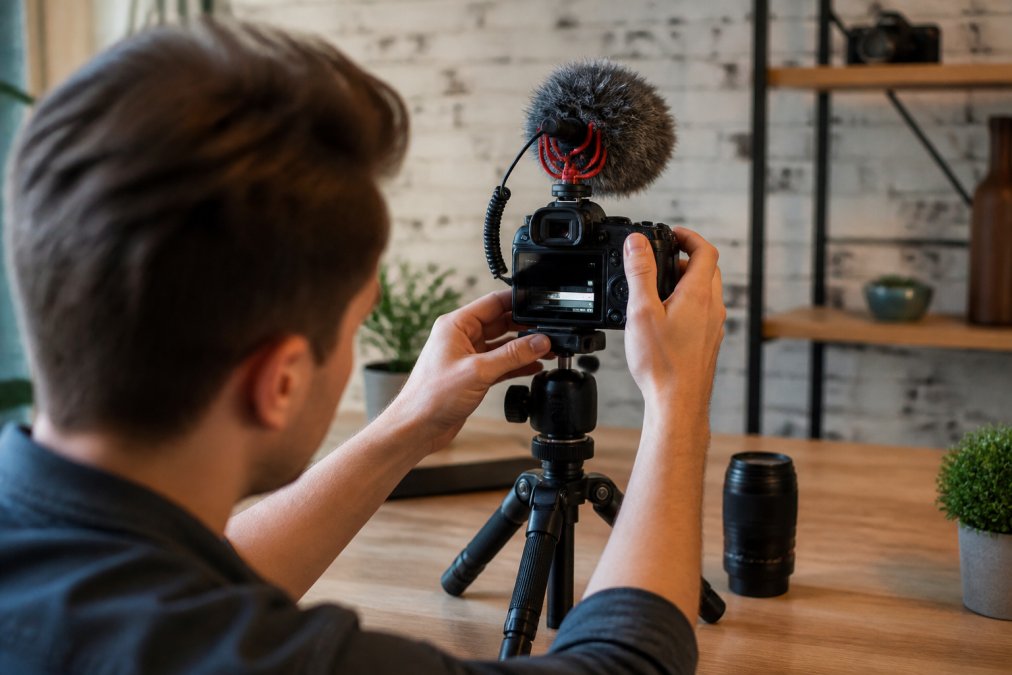
Enable autofocus and face tracking in the camera's settings. Walk through your shooting space and verify the camera holds focus as you move. Set white balance to automatic unless you're shooting in mixed lighting. Record a 30-second test clip and check for exposure and focus issues before your actual shoot.
Frequently Asked Questions
What features should a beginner vlogging camera have?
A beginner vlogging camera should prioritize autofocus performance, image stabilization, and flip screens for self-recording. Look for 4K recording capability, a sensor that handles low-light situations, and external microphone support. Built-in noise reduction and portable design matter too, you want gear that moves with you without requiring extensive technical knowledge to operate.
Is a dedicated vlogging camera better than a smartphone for content creation?
A dedicated vlogging camera offers superior autofocus tracking, mechanical image stabilization, and better dynamic range than most smartphones. Smartphones work for casual content, but cameras deliver cinematic depth of field, longer battery life, and more flexible audio input options. For serious vlogging, a dedicated camera produces noticeably higher production value and gives you room to grow your skills.
How much should I spend on my first vlogging camera?
Entry-level vlogging cameras start around $75-$550, with options like compact gimbal cameras offering excellent value for beginners. Budget-friendly models deliver 4K recording and flip screens; mid-range options add wireless microphone systems and advanced autofocus. Choose based on your platform and upload schedule, TikTok creators may prioritize portability, while YouTube creators benefit from longer battery life and external audio inputs.
Choosing how to choose a vlogging camera for beginners 2026 becomes simpler when you prioritize autofocus, stabilization, and audio over specifications. The Perfect Take Gear catalog includes options at every price point, from the budget-friendly 48MP 4K Handheld Camera to the professional DJI Osmo Pocket 4 Creator Combo with wireless microphone included. Start with what you can afford, test it thoroughly, and upgrade only when you've outgrown its capabilities.