

USB Microphone vs Audio Interface for Beginners
Table of Contents
- What Is a USB Microphone?
- What Is an Audio Interface?
- XLR vs USB Microphone Sound Quality: Which Delivers Better Audio?
- Ease of Use and Setup: USB Microphone vs Audio Interface
- Best Audio Interface for Beginners: When to Upgrade Beyond USB
- Latency, Monitoring, and Signal Chain Explained
- Beginner Podcasting Equipment Guide: Choosing Your First Setup
- Frequently Asked Questions
Last Updated: September 26, 2026
What Is a USB Microphone?
A USB microphone is a condenser microphone that connects directly to a computer via USB cable, converting audio into digital signals without requiring external equipment. The microphone contains a built-in analog-to-digital converter that handles the conversion process internally, eliminating the need for a separate audio interface or mixer.

USB microphones are plug-and-play: connect the cable, and recording software recognizes the device immediately. No drivers, configuration, or phantom power concerns. Ideal for beginners who want to record within minutes.
The trade-off is flexibility: you cannot route audio through external preamps or mixing boards. For solo recording, this rarely matters. For future expansion, it becomes a constraint.
What Is an Audio Interface?
An audio interface is a hardware device that converts analog audio signals into digital data that your computer can process and record. Unlike a USB microphone, an audio interface sits between your microphone and computer, giving you control over gain staging, monitoring, and signal routing.
Audio interfaces accept XLR microphones, supply phantom power for condensers, amplify the signal through a preamp, and convert it to digital audio at your chosen bit depth and sample rate. This flexibility makes them the professional standard.
The learning curve is steeper: audio interfaces introduce buffer size, latency, and gain staging (setting input levels to avoid clipping). This demands more technical knowledge upfront but opens doors to professional-grade quality and expansion.
XLR vs USB Microphone Sound Quality: Which Delivers Better Audio?
The sound quality difference between USB and XLR microphones depends more on the microphone itself than the connection type. A high-quality USB condenser microphone can deliver clean, professional audio. A poor-quality XLR microphone connected to an audio interface will sound worse.
XLR microphones paired with quality audio interfaces offer better fidelity because you control gain staging, apply EQ and compression in real time, and monitor with low-latency direct monitoring. USB microphones offer fixed gain and limited monitoring options.
Dynamic microphones and condenser microphones represent different design philosophies. Condenser microphones have a larger diaphragm and higher sensitivity, capturing more detail and nuance. Dynamic microphones are more rugged and reject ambient room noise better, making them ideal for noisy environments. The Audio Engineering Society's microphone selection guide explains that cardioid pattern microphones isolate vocals from background noise by rejecting sound from the sides and rear.
For treated home studios, a quality USB condenser microphone like the USB RGB Condenser Microphone for Streaming & Podcasts at $33.99 works well. For untreated rooms or professional expansion, an XLR dynamic microphone with an audio interface offers better noise rejection and upgrade potential.

Ease of Use and Setup: USB Microphone vs Audio Interface
USB microphones win on setup speed: unbox, plug in, select as input device, and record in five minutes. No drivers, firmware updates, or configuration menus.
Audio interfaces require more steps: install drivers, connect the XLR microphone, set sample rate and bit depth, configure input levels, and test monitoring. This feels overwhelming for beginners.
Once configured, audio interfaces become transparent: adjust gain before each session and monitor levels. USB microphones seem simpler but offer limited troubleshooting options. If audio is too quiet, an interface lets you adjust preamp gain, add compression, or apply EQ.
The NXG MD21 USB Sound Card at $124.99 bridges this gap with interface functionality and simplified setup. Its external power adapter reduces latency and noise compared to bus-powered interfaces.

Best Audio Interface for Beginners: When to Upgrade Beyond USB
Upgrade to an audio interface when recordings sound thin, you want professional XLR microphones, you're recording multiple sources, or you plan to expand.
Audio interfaces become necessary for real-time monitoring with low latency. USB microphones introduce delay between what you hear and what's recording, making it difficult to monitor while speaking or singing. Audio interfaces offer direct monitoring with minimal delay.
The Modularity Advantage: Why Interfaces Win Long-Term
The biggest hidden advantage of audio interfaces is modularity. When you buy a USB microphone and outgrow it, you must replace the entire unit. When you buy an audio interface, you can upgrade individual components without starting over.
This "buy once, cry once" philosophy costs more upfront but saves money over time.
Audio interfaces let you add components incrementally: start with one microphone, add a second for interviews, connect a guitar, add a mixing board. Each component is independent. USB microphones are all-in-one: you cannot upgrade the preamp, add inputs, or route audio through external gear. If you outgrow it, you must buy a new one.
Specific Upgrade Scenarios
Solo podcasting: Start with a USB microphone ($30-$100). After 20 episodes, upgrade to an audio interface ($100-$200) and XLR microphone ($100-$300) if desired.
Maono PD200X Dynamic RGB Gaming →
Podcast with guests: USB microphones handle one voice. For multiple hosts, use an audio interface with two or more XLR inputs ($150-$400).
Music production or live streaming: An audio interface with direct monitoring ($150-$500) is essential for latency-sensitive work.
Future expansion: Buy an audio interface now if you might add instruments or microphones later.
Recommended Entry-Level Interfaces
The MAONO AM200-S1 Podcast Bundle at $142.99 combines an audio interface with a condenser microphone, sound effects, EQ controls, and multi-device streaming. It includes built-in monitoring and Bluetooth connectivity for music accompaniment.
Entry-level standalone interfaces include two XLR inputs, USB connectivity, direct monitoring, and basic mixing controls. They're designed to last years.
When to Stay with USB
If you're recording solo voice only, your room is treated or naturally quiet, you don't plan to expand your setup, and you value simplicity over control, a USB microphone is the right choice. USB microphones are genuinely good for this use case. The mistake is buying a USB microphone thinking you'll upgrade it later, you won't. You'll replace it. If you think you might expand, buy an interface instead.
Latency, Monitoring, and Signal Chain Explained
Latency is the delay between sound entering your microphone and hearing it in headphones. USB microphones introduce latency because audio travels through USB, gets processed, and returns. For voice recording, this is usually imperceptible (under 50 ms). For music, live streaming, or singing over backing tracks, 100 ms becomes noticeable and distracting.
Audio interfaces solve this with direct monitoring: your microphone signal goes directly to headphones without routing through your computer. You hear yourself in real time while recording. This is why professional studios use audio interfaces.
Troubleshooting Latency in Your DAW
If you're experiencing latency with a USB microphone or audio interface, the problem is usually buffer size, the amount of audio data your computer processes before sending it to your headphones. A smaller buffer size reduces latency but increases CPU load. A larger buffer size adds latency but is more stable.
In most DAWs (Ableton Live, Logic Pro, Reaper, Studio One), you'll find buffer size settings in the audio preferences or device settings. Start with a buffer size of 256 samples at 44.1 kHz sample rate, which produces roughly 5-6 milliseconds of latency. If your CPU meter spikes or you hear crackling, increase to 512 samples. If latency is still noticeable, decrease to 128 samples, though this demands more from your processor.
For USB microphones specifically, latency is harder to reduce because the USB connection itself adds processing time. Your best option is to enable direct monitoring on your recording software if available, some DAWs let you route input directly to output with zero latency while recording. Alternatively, use headphone monitoring from your microphone itself if it has a built-in headphone jack with a direct-monitor knob.
If you're recording vocals or instruments, consider recording without headphones and monitoring after the fact. Many beginners don't realize that slight latency is acceptable for non-real-time recording; you only need zero latency if you're singing or playing along with a backing track in real time.
Understanding Signal Chain
Signal chain explains why audio interfaces matter. Your microphone generates a weak analog signal (typically -40 dBu). The preamp amplifies it to line level (-20 dBu to +4 dBu). The analog-to-digital converter samples the signal at a specific sample rate (44.1 kHz or 48 kHz) and bit depth (16-bit or 24-bit), converting it to digital audio. Your DAW records this digital stream.
Audio interfaces give you control over each stage.
Phantom Power and Microphone Types
Phantom power is DC voltage (typically 48 volts) supplied by audio interfaces to power condenser microphones. XLR condenser microphones require phantom power to operate; without it, they produce no sound. Dynamic microphones do not require phantom power and work fine with it enabled or disabled.
Beginner Podcasting Equipment Guide: Choosing Your First Setup
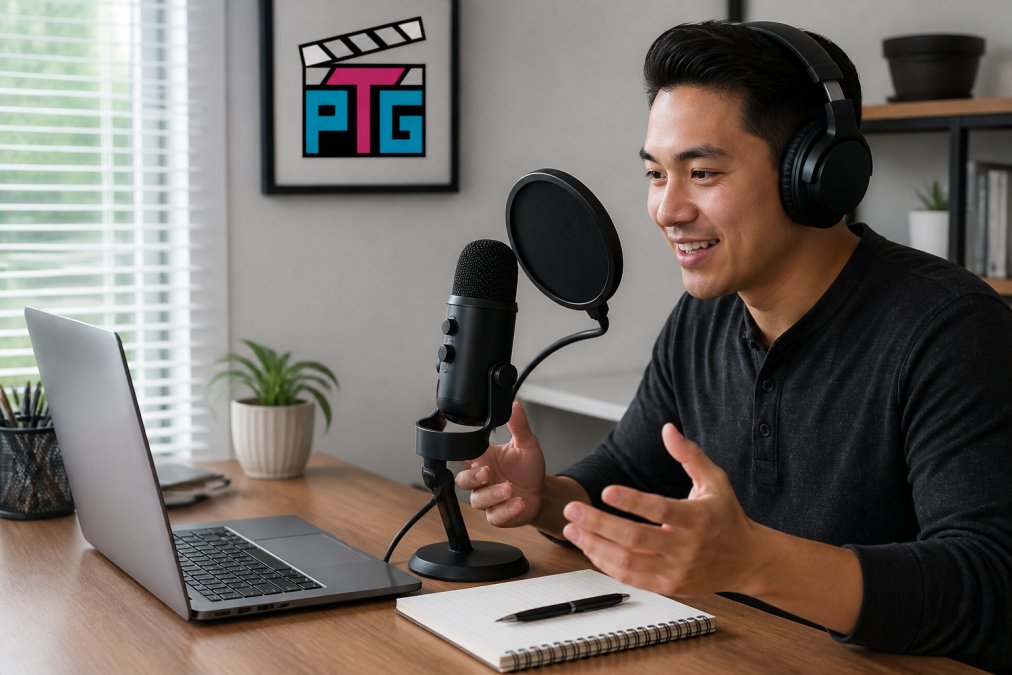
Podcasting demands clear, consistent vocal recording with minimal background noise. Your microphone choice determines audio quality more than any other factor. Cardioid pattern microphones isolate sound from the front while rejecting sound from the sides and rear.
Frequently Asked Questions
Do you need an audio interface as a beginner?
Not always. A USB microphone works fine for starting out, many creators record quality podcasts and streams with just a USB mic plugged directly into a laptop. You'll want an audio interface later if you plan to use XLR microphones, connect multiple sources, reduce latency for live monitoring, or need professional-grade bit depth and sample rate control. Most beginners start with USB and upgrade when their workflow demands it.
What are the disadvantages of using a USB microphone?
USB microphones lack flexibility. You're locked into one mic per USB port, can't swap to different microphones easily, and have limited monitoring options. They also can't use phantom power for condenser mics that need it, offer less control over gain staging, and don't give you direct monitoring for live feedback. If you outgrow your initial setup, you'll need to buy new gear instead of expanding what you have.
Is the sound quality of a USB microphone worse than an XLR setup?
Not necessarily worse, different. A quality USB condenser microphone can capture clear, professional-sounding audio. The real difference is in flexibility and future-proofing. An XLR microphone paired with an audio interface gives you control over gain staging, preamp settings, and bit depth. For beginners recording in quiet spaces, a USB microphone delivers solid results. As your needs grow, an XLR setup with an audio interface offers more room to improve your sound and adapt your chain.
Can I use a USB mic with an audio interface?
Technically yes, but it defeats the purpose. Most audio interfaces expect you to connect an XLR microphone directly to their preamp input, not a USB device. Some interfaces have USB inputs for other gear, but plugging a USB mic into an interface adds unnecessary complexity and removes the benefit of the interface's preamp. Start with either a USB mic or an XLR mic with an interface, mixing them usually creates problems rather than solutions.