

Starter Kits for TikTok Creators: 2026 Gear Guide
Table of Contents
- What You Need in a Starter Kit for TikTok Creators
- Essential TikTok Filming Equipment for Beginners
- Best Starter Kits for TikTok Creators
- TikTok Content Creation Tips for Beginners
- TikTok Video Editing Apps for Creators
- Comparison: Budget vs. Professional Starter Kits
- Common Mistakes to Avoid When Building Your Kit
- Conclusion
Last Updated: August 5, 2026
What You Need in a Starter Kit for TikTok Creators
Building a starter kit for TikTok creators doesn't require expensive gear or a full production studio. The most important thing is understanding what moves the needle for short-form video content: clear audio, decent lighting, and stable framing.
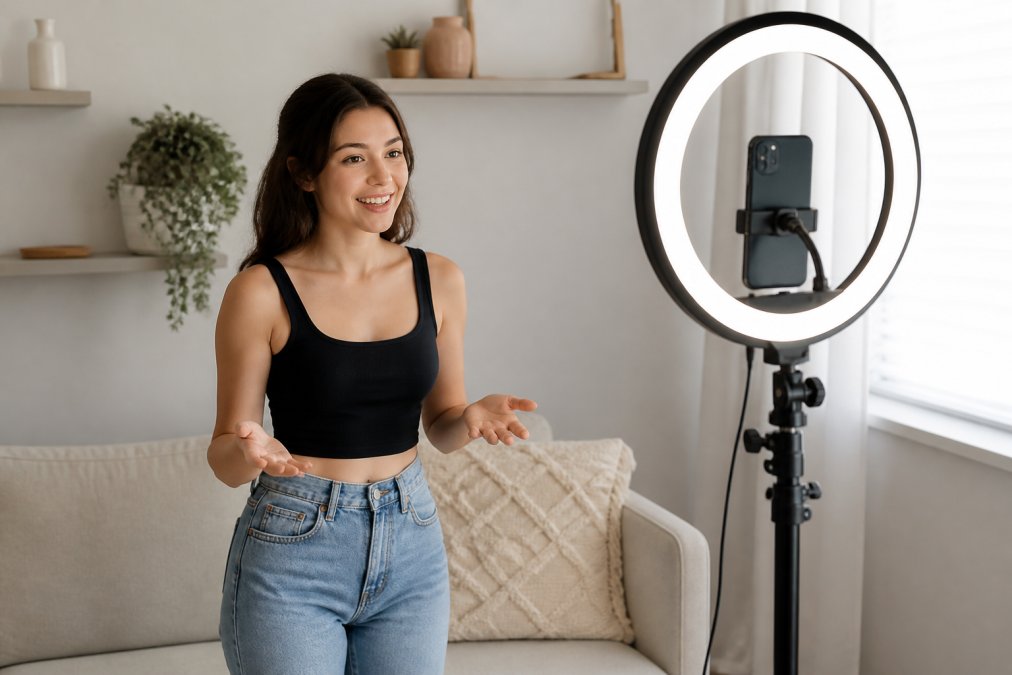
At Perfect Take Gear, we've observed that creators often overthink the camera, underspend on audio, and skip lighting entirely. Then they wonder why their videos look flat and sound hollow compared to creators with similar equipment.
You need three things working together: a way to capture video (your smartphone is fine), something to light your face or subject, and a microphone that doesn't sound like it's underwater. A tripod or stabilization tool keeps your framing steady. This guide covers the exact gear that works and helps you avoid mistakes that waste money and time.
Essential TikTok Filming Equipment for Beginners
The foundation of any starter kit starts with three non-negotiables: a camera, lighting, and audio capture. Your smartphone already handles video recording, so focus your budget on the other two.
Lighting Solutions for TikTok
Lighting is where most beginners fail silently. Bad lighting makes viewers uncomfortable. A ring light solves this immediately.
The Sensyne 10-inch Ring Light with Tripod Stand and Phone Holder costs between $21 and $38 and delivers soft, even illumination that flatters faces and reduces harsh shadows. It's dimmable with multiple color modes, adjustable from desk height to 62 inches tall, and powered by USB. For TikTok creators filming selfies, makeup tutorials, or lifestyle content, this is the standard entry point.
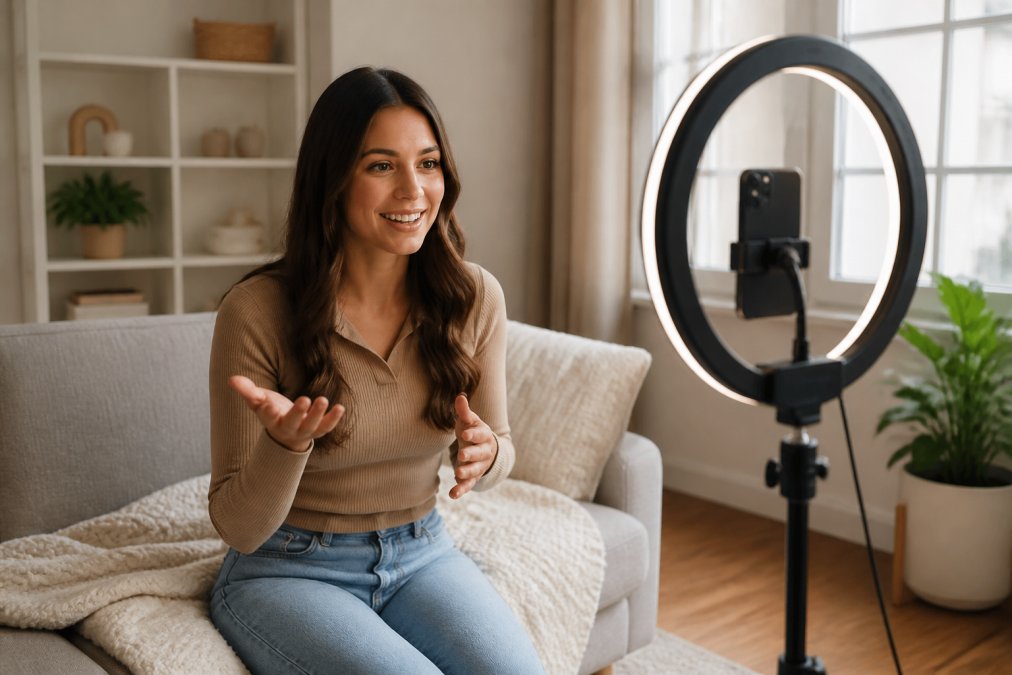
If you're ready to step up, the COLBOR W60 60W Bi-Color Light costs around $129 and produces noticeably better light quality. This compact COB LED adjusts from 2700K (warm) to 6500K (cool daylight), giving you real control over mood. It's lighter and more portable than studio lights and powers from battery or AC adapter.
The upgrade matters when you're filming beauty content, product showcases, or anything where skin tone accuracy matters. The COLBOR produces softer, more natural light than ring lights because the light source is larger and the beam is more diffuse.
Audio Equipment and Microphone Setups
Audio quality separates amateur content from creator content faster than anything else. TikTok viewers will tolerate grainy video but not distorted or muffled sound.
For creators filming on smartphones, the Blue Yeti USB Microphone at $99.99 is a standard desktop option. It connects via USB to a computer and captures broadcast-quality audio with four polar patterns.
For mobile creators who move during filming, the Rode Wireless GO II at $299 is a professional standard. This dual-channel wireless system captures audio from two sources simultaneously, has on-board recording for backup, and connects to phones, cameras, and computers with 200-meter line-of-sight range.
For budget-conscious creators, a wireless lavalier clip-on mic (often $30-60) clips directly to your shirt and transmits to your phone via Bluetooth. Audio quality is lower than the Rode, but it's mobile, affordable, and requires zero setup.
Tripods and Stabilization Tools
Shaky video makes viewers uncomfortable. You need either a tripod or an auto-tracking solution, depending on how you move during filming.
The Moman TT07 Auto Tracking Tripod at $49.99 uses AI face and body tracking to follow your movements automatically. It combines a smart tracking head with a tripod and selfie stick, rotates 360 degrees, and requires no app. This is ideal for solo creators who move around, dance tutorials, fitness content, and vlogs.
For stationary content, a standard tripod with a phone holder is all you need. The Sensyne ring light includes a tripod, so if you buy that light, you already have stabilization.
For creators who want stabilization without auto-tracking, a smartphone gimbal (like DJI's Osmo Mobile series, typically $100-150) uses motorized stabilization to smooth out handheld movement.
Best Starter Kits for TikTok Creators
Instead of buying individual pieces, many creators benefit from starter kits that bundle the essentials. These kits are curated to work together and often cost less than buying items separately.
Budget-Friendly All-in-One Vlogging Kit
The NEEWER PA048 Vlogging Kit at $119.99 is an entry point for creators who want everything in one box. It includes an RGB light for creative effects, wireless microphone components, phone mounting accessories, and a compact design for travel.
This kit removes decision paralysis. Everything fits together and the price point is low enough that you're not betting your entire budget on one tool. You'll outgrow this kit if you're serious about content creation, but that's fine, it's designed for the first 3-6 months.
Lighting-First Setup for Beauty and Lifestyle Content
If your content focuses on faces, products, or visual aesthetics (beauty, skincare, fashion, unboxing), invest more in lighting.
Start with the Sensyne 10-inch Ring Light ($21-38) for baseline illumination, then add the COLBOR W60 ($129) as your key light. Position the ring light at eye level for fill light, and use the COLBOR as your key light from the side or above. This two-light setup creates depth and dimension that single-light setups can't match. Add a smartphone tripod with ball head (around $25-40) to position your phone at the right angle. This setup costs roughly $200-220 total and produces noticeably better visual content than any single-light kit.
Audio-Focused Kit for Interview and Podcast Content
If your TikTok content includes interviews, spoken word, or educational content where audio clarity is paramount, prioritize audio over lighting.
Start with the Blue Yeti USB Microphone ($99.99) as your primary mic. Add a pop filter (around $15) to reduce plosives on hard consonants. If you're interviewing guests, add a second lavalier mic (around $40-60) that connects via Bluetooth to your phone or computer. This setup costs roughly $160-180 and captures clean, broadcast-quality audio.
Hands-Free Recording Kit for Solo Creators
If you're filming solo tutorials, fitness content, or anything where your hands need to be free, you need auto-tracking or a wide-angle setup.
The Moman TT07 Auto Tracking Tripod ($49.99) handles this alone. Pair it with the Sensyne Ring Light ($21-38) for lighting, and you have a complete hands-free setup for under $100.
Professional Camera Upgrade Path
Once you've validated your content strategy with smartphone filming, the Sony ZV-1F Vlog Camera at $499.99 represents the next level. This compact digital camera is specifically designed for vlogging, with a flip-out screen for self-shooting, a 1.0-type sensor for high-quality 4K video, and a built-in directional three-capsule microphone with windscreen.
The sensor captures more light, so your videos look cleaner in lower light. The flip screen makes framing yourself easier. The built-in microphone is significantly better than smartphone mics. The product showcase setting auto-focuses from your face to a product you're holding, which is essential for unboxing and product review content.
TikTok Content Creation Tips for Beginners
Gear matters less than you think. Consistency, framing, and audio quality matter more.
Maximize Your Smartphone Before Upgrading
Your smartphone camera is already professional-grade. The limiting factors are usually lighting, stabilization, and audio, not the camera itself.
Before you buy any gear, master smartphone filming basics: position yourself near a window for natural light, hold your phone steady, and film in vertical orientation. The golden hour, first hour after sunrise or last hour before sunset, produces the most flattering light.
Most creators who upgrade to expensive cameras immediately regret it because they realize their smartphone was never the problem. The problem was bad light, shaky framing, and no audio mic. Solve those three problems with affordable gear first ($100-150), then decide if you need a camera.
Post-Production Workflow Optimization
Your editing software matters less than your editing habits. Create a repeatable process: film, import, edit, export, upload.
CapCut is a standard editing app for TikTok creators because it's free, has no watermarks, includes TikTok-native templates, and integrates directly with TikTok for one-click uploading. The AI tools can auto-cut videos to the beat, add captions automatically, and repurpose long-form videos into short clips.
Set a time budget for editing. Most TikTok videos should take 30-60 minutes from filming to upload. If you're spending 3 hours editing a 60-second video, you're over-editing. TikTok viewers prefer authentic, slightly rough content over polished perfection.
TikTok Video Editing Apps for Creators
CapCut (free) is an all-purpose editor. Use this for 90% of your content.
Adobe Premiere Rush (free tier available, $9.99/month paid) is lighter than full Premiere and designed for mobile creators.
InShot (free with optional paid features) is simple and fast, ideal if you want editing without complexity.
Descript (free tier, $12-24/month paid) is excellent for spoken-word content because it transcribes your audio automatically and lets you edit by editing the transcript.
For most TikTok creators, CapCut is a strong choice because it's free, powerful, and built for TikTok's format.
Comparison: Budget vs. Professional Starter Kits
| Kit Type | Total Cost | Best For | Limiting Factor |
|---|---|---|---|
| Smartphone Only | $0 | Testing if TikTok is worth your time | Lighting, audio, stabilization |
| Budget Starter Kit (Ring Light + Lavalier Mic + Tripod) | $80-120 | New creators validating content strategy | Light quality, audio range, camera features |
| Mid-Tier Kit (NEEWER Vlogging Kit + upgraded mic) | $150-200 | Creators with 3+ months of consistent content | Camera sensor, lens flexibility, professional lighting |
| Lighting-First Setup (Ring Light + COLBOR + phone tripod) | $180-220 | Beauty, product, lifestyle creators | Camera upgrade, audio quality, space |
| Professional Starter Kit (Sony ZV-1F + wireless mic + lighting) | $700-900 | Creators ready to invest in quality | Interchangeable lenses, advanced features, learning curve |
Common Mistakes to Avoid When Building Your Kit
Mistake 1: Buying a camera before solving lighting and audio. The camera is the last thing to upgrade, not the first. Most creators waste money on cameras when their actual problem is bad light and no microphone. Spend $100 on lighting and audio first.
Mistake 2: Buying a kit because it's cheap, not because it solves your specific problem. A vlogging kit is useless if you're filming stationary product reviews. Match the kit to your content type, not to the price tag.
Mistake 3: Accumulating gear without testing it first. Rent or borrow equipment before buying. Test before committing.
Mistake 4: Expecting gear to solve consistency problems. You can film great content on a smartphone. You can film terrible content with a $5,000 camera. Gear amplifies your skills, it doesn't replace them.
Mistake 5: Buying everything at once. Start with one or two pieces. Use them for 2-4 weeks. Then add the next piece. This approach lets you learn each tool before adding complexity.
Mistake 6: Ignoring audio because you can't see it. Audio quality determines whether viewers keep watching or scroll away. A $50 microphone matters more than a $500 camera. Prioritize audio.
The best starter kit for TikTok creators is the one that removes friction from your filming process without overwhelming you with options. Start with your smartphone, add a ring light and a basic microphone, and film consistently. Once you've built a library of content and understand what's working, upgrade to the next tier.
Perfect Take Gear curates starter kits designed specifically for this progression. Whether you're testing the platform or scaling production, our equipment is built to elevate your production value at an affordable price, turning any space into a content studio where you can capture your perfect take.
Frequently Asked Questions
Do you need a professional camera to start on TikTok?
No. Most successful TikTok creators start with just a smartphone. Modern phones capture high-quality vertical video suitable for the platform. A starter kit for TikTok creators typically focuses on lighting, audio, and stabilization, not an expensive camera. Once you build an audience and understand your content style, upgrading to a dedicated vlog camera becomes optional, not essential. Many top creators never move beyond smartphone recording.
What equipment do you need to be a TikTok creator?
At minimum: a smartphone with good video capability, a light source (even a ring light works), and a microphone for clear audio. A tripod or face-tracking stabilizer helps with framing. Essential TikTok filming equipment also includes editing software, CapCut is free and TikTok-optimized. As you grow, add better lighting like a COB LED light, a wireless microphone for mobility, and a backup power bank for extended shoots. Perfect Take Gear curates starter kits that bundle these essentials affordably.
What is the best vlogging kit for beginners?
The best vlogging kit for beginners balances affordability with usability. Look for kits that include a ring light or softbox for even lighting, a clip-on or lavalier microphone for hands-free audio, and a tripod or auto-tracking stabilizer. The NEEWER PA048 Vlogging Kit combines RGB lighting, wireless microphone components, and phone mounting for under $120. For creators who move around (dance, tutorials, vlogs), an auto-tracking tripod like the Moman TT07 is invaluable because it keeps you centered without a second operator.
How much does a basic TikTok creator setup cost?
A functional beginner setup starts around $100-$200. This covers a ring light ($25-$40), a clip-on microphone ($30-$60), a tripod or stabilizer ($50-$100), and optional power bank ($40). All-in-one vlogging kits like the NEEWER PA048 ($120) bundle these items and offer better value than buying separately. Professional upgrades, like the Rode Wireless GO II microphone ($299) or Sony ZV-1F camera ($500), come later as your channel grows. Perfect Take Gear offers kits at various price points to match your budget and growth stage.
Can I mix and match gear from different brands in a starter kit?
Yes. Most gear is designed to work across brands. A ring light from one manufacturer pairs with a tripod from another; wireless microphones connect to any camera or smartphone with compatible inputs. The key is checking connectivity: USB-C, 3.5mm audio jacks, and Bluetooth are universal standards. However, buying a curated kit ensures all components work together seamlessly without compatibility headaches. If you already own some equipment, you can supplement it with individual pieces rather than replacing everything.
This article was written using GrandRanker