

Start a YouTube Channel With No Money: 2026
Table of Contents
- Set Up Your YouTube Account and Channel Branding
- Best Affordable Lighting for Video Streaming on a Zero Budget
- How to Write a YouTube Video Script Without Professional Tools
- Free Video Editing Software for Beginners and Your First Upload
- Frequently Asked Questions
Last Updated: August 31, 2026
Set Up Your YouTube Account and Channel Branding
Create a Google account and navigate to YouTube.com. Click the profile icon in the top right corner and select "Create a channel." Choose a memorable name reflecting your content niche. Use free tools like Canva to create a channel banner (2560 x 1440 pixels) and profile picture (800 x 800 pixels) with simple, clean design and consistent colors. Upload these in the "Customization" tab under channel settings.
Write a channel description explaining your content, including relevant keywords naturally, upload frequency, and what makes your channel unique. This helps the algorithm understand your focus and improves discoverability.
Best Affordable Lighting for Video Streaming on a Zero Budget
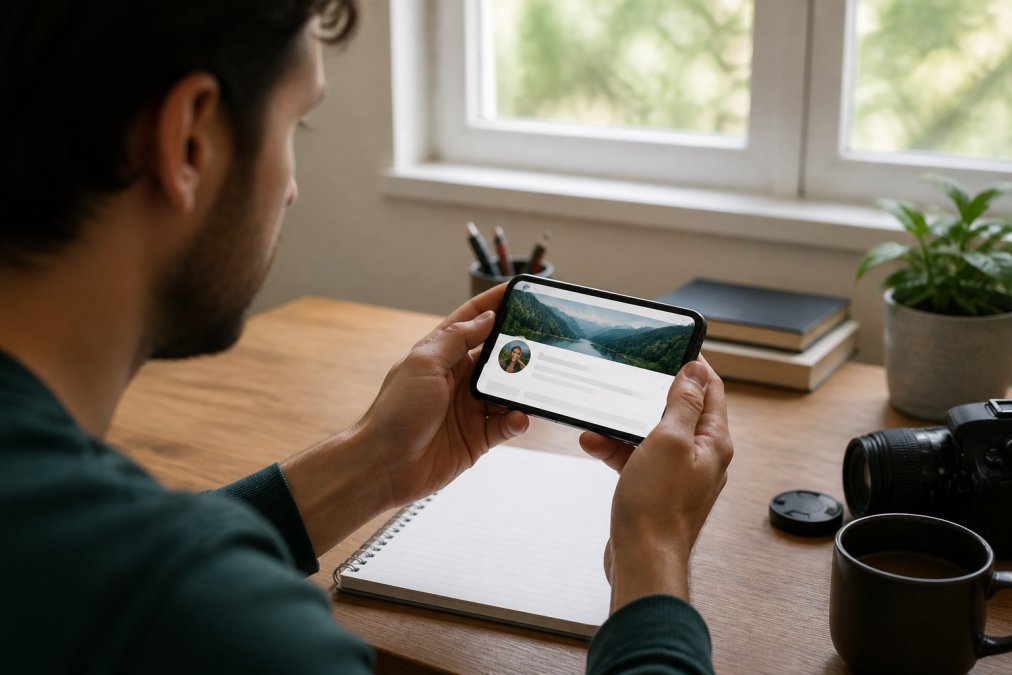
Natural light from windows is the most accessible option. Position your camera so light comes from the side or behind it, illuminating your face evenly. Avoid sitting with a bright window directly behind you, which creates a silhouette. Cloudy days provide softer, more flattering light than direct sunlight (peer-reviewed research).
If natural light isn't consistent, white bed sheets or poster board can reflect and diffuse light. Tape a sheet to a wall or stand it behind the camera to bounce light onto your face. This makeshift reflector costs nothing and produces professional-looking results.
For creators ready to invest in affordable equipment, Cameras, Lighting & Audio Equipment like ring lights with adjustable tripod stands can help you transition from zero-budget setups to more polished production. These tools offer adjustable color temperature and brightness levels suited for vlogging, tutorials, and product photography.

How to Write a YouTube Video Script Without Professional Tools
Create an outline listing main points in order, then practice speaking naturally around those points. This approach sounds conversational rather than robotic and keeps viewers engaged.
Start with a hook in the first 10 seconds, a surprising statement, question, or promise of a specific result (peer-reviewed research). YouTube's algorithm favors videos where viewers watch beyond the first few seconds. Structure the body around 3-5 main ideas with clear explanations and examples. End with a call to action asking viewers to like, subscribe, or visit a link. Use Google Docs to organize scripts and track changes before recording.
Free Video Editing Software for Beginners and Your First Upload
DaVinci Resolve offers professional-grade editing features at no cost, including color correction, audio editing, and effects. CapCut provides a beginner-friendly interface with preset effects and transitions ideal for fast workflows. Export your video in 1080p resolution (1920 x 1080 pixels) in MP4 format with H.264 codec for YouTube compatibility.
Upload by clicking the camera icon with a plus sign in the top right corner. Add a title (60 characters or less for full visibility in search results), description with relevant keywords, and tags. Choose a thumbnail with clear, readable text and high contrast. YouTube's algorithm favors videos with complete metadata, improving discoverability.
| Element | Purpose | Time Required |
|---|---|---|
| Channel setup | Establish identity and branding | 15 minutes |
| Lighting setup | Ensure video quality and viewer retention | 10-30 minutes |
| Script outline | Organize content and speaking points | 20-30 minutes |
| Video editing | Polish raw footage into finished content | 30-90 minutes |
| Upload and metadata | Optimize for search and algorithm | 10-15 minutes |
Starting a YouTube channel with no money is entirely achievable with the right approach. Free tools handle every step from channel creation to video editing, and natural lighting combined with a smartphone camera produces content viewers will watch. As your channel grows, consider investing in Content Creator Gear & Equipment to elevate production quality and help you transition from zero-budget setups to professional-looking content.
Frequently Asked Questions
Can I grow a YouTube channel using only my smartphone?
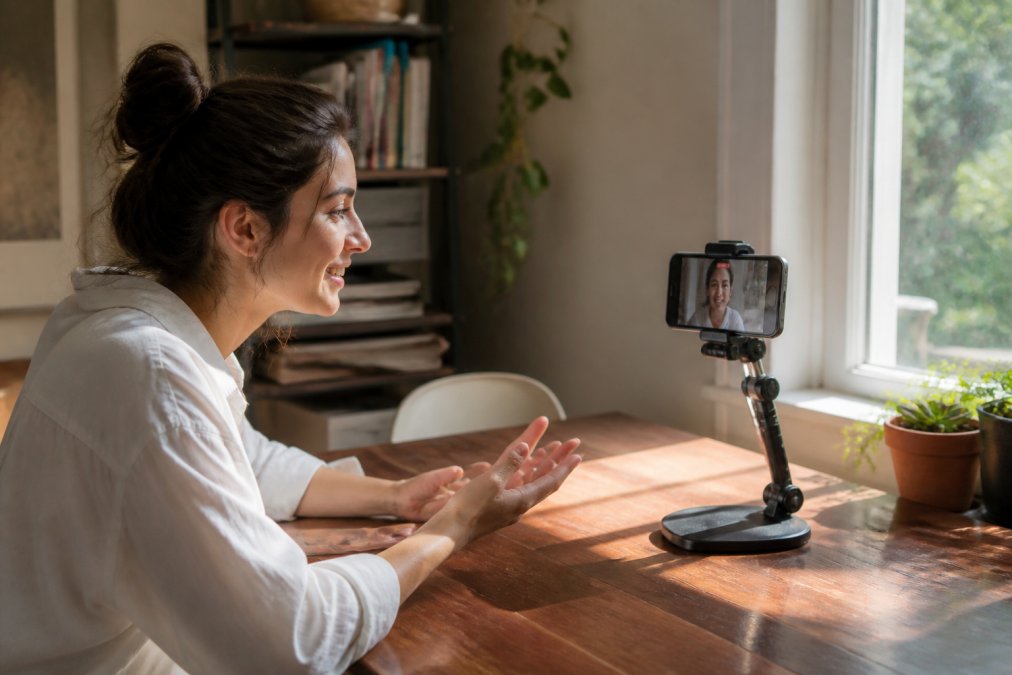
Yes. Modern smartphones have high-quality cameras and microphones built in. Smartphone video is the standard for many successful creators. Focus on consistent uploads, strong niche selection, and audience retention rather than expensive equipment. Stability matters more than resolution, use a tripod or phone stand to keep footage steady.
Do I need professional lighting to start a YouTube channel?
No. Natural light from windows works well for most content. Position yourself facing a window during daytime recording. If you need artificial lighting, affordable options like ring lights are available. For zero budget, rely on daylight and avoid backlighting that creates shadows on your face.
What are the best free tools for YouTube video editing in 2026?
DaVinci Resolve, CapCut, and OpenShot are top free options. DaVinci Resolve offers professional-grade color correction and effects. CapCut is mobile-friendly and fast for quick edits. OpenShot works on Windows and Mac. All three handle basic cuts, transitions, color correction, and text overlays without watermarks.