

10 Essential Accessories for Professional Streaming
Table of Contents
- Audio Foundation: Microphones and Audio Interfaces
- Video Capture: Cameras and Webcams for Professional Streaming
- Essential Lighting for Home Studios
- Best Cable Management Tips for Streaming
Last Updated: August 28, 2026
Audio Foundation: Microphones and Audio Interfaces
Professional streaming begins with clear, isolated audio. Viewers tolerate mediocre video far longer than poor sound. USB condenser microphones deliver studio-quality recording without requiring external interfaces or XLR cables (aes.org).
The USB RGB Condenser Microphone from Perfect Take Gear arrives ready to use with a pop filter and desktop tripod stand. The cardioid pickup pattern isolates your voice while rejecting room noise, and RGB lighting adds visual polish to your setup. For streamers needing professional mixing capabilities, the Maono PD200X offers dual connectivity via USB-C and XLR, working directly into your computer or pairing with an external mixer.

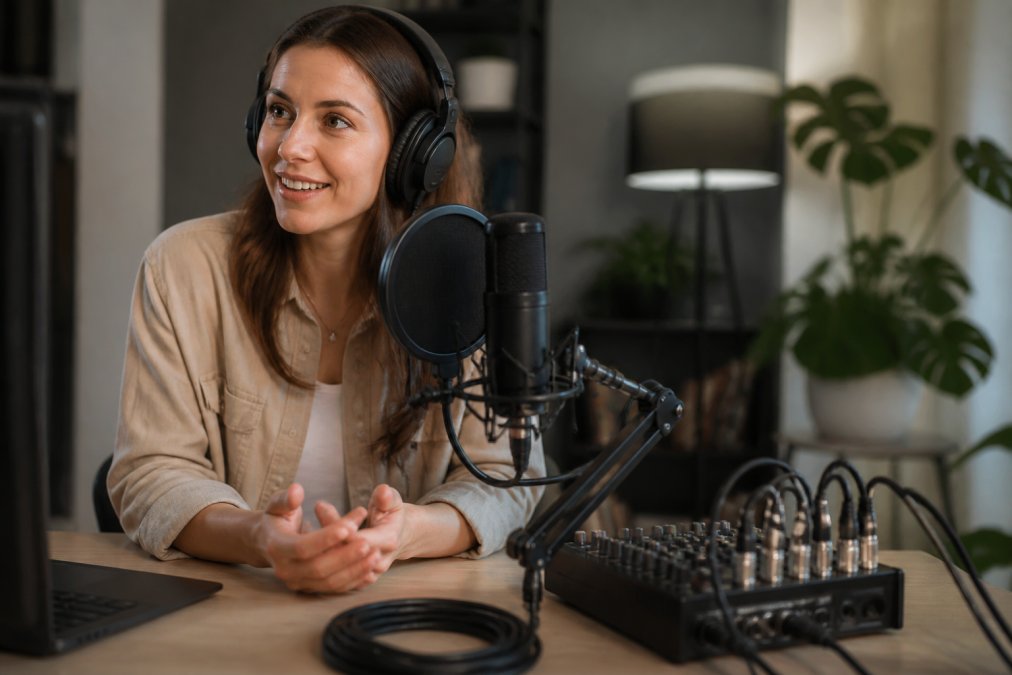
Audio mixers add real-time control. The Tenlamp G10-P15B bundles a two-channel mixer with a condenser microphone and active noise reduction, with a rechargeable battery for untethered streaming. For teams managing multiple sources, the Tenlamp G10 PKPRO live sound card offers six-channel mixing with built-in reverb, pitch shifting, and auto-tune. A USB condenser microphone with pop filter handles plosives and wind noise, while pairing it with an audio mixer provides compression, gating, and EQ controls that maintain consistent levels throughout broadcasts. Cameras, Lighting & Audio Equipment from retailers ensures you're investing in components that integrate seamlessly with professional workflows.
Video Capture: Cameras and Webcams for Professional Streaming
Your camera choice shapes your stream's visual foundation. 4K capture provides headroom for cropping without losing detail (smpte.org). The JIYUE 4K Autofocus Webcam delivers 3840x2160 resolution with autofocus that keeps your face sharp, with built-in microphone audio as backup and USB connection across Windows, Mac, and Linux.

For AI-powered framing, the OBSBOT Tiny 2 Lite 4K AI Tracking Webcam represents a significant upgrade. Its 2-axis gimbal rotates 300 degrees horizontally and 180 degrees vertically, automatically tracking your full body, upper body, or close-up framing. Dynamic gesture control lets you lock tracking or adjust zoom with hand signals. The gimbal solves a real problem: manual pan-tilt-zoom controls require constant adjustment during long streams, breaking focus and tiring hands. Automatic tracking keeps you framed perfectly while you concentrate on content.
Essential Lighting for Home Studios
Lighting transforms amateur setups into professional ones. Position your key light at 45 degrees to your face, slightly above eye level, to flatter features and create natural shadows (aas.org).
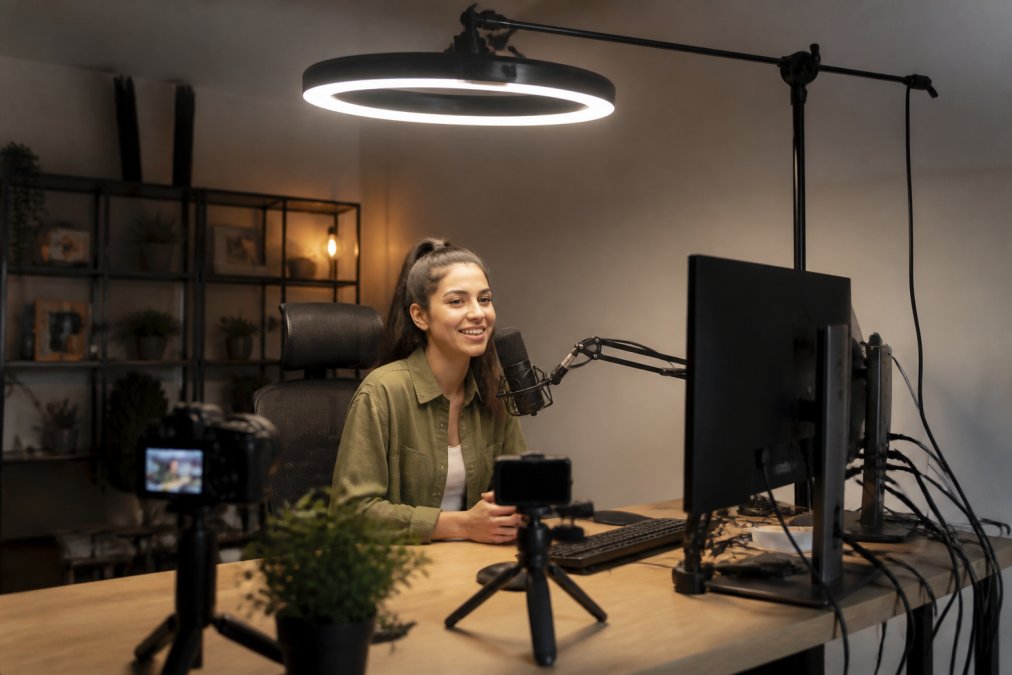
The 18-Inch RGB Ring Light Kit from Perfect Take Gear includes a 1.86-meter collapsible tripod and three adjustable phone holders. Ring lights eliminate shadows under eyes and jawline, ideal for close-up streaming and video calls. Professional results require multiple light sources: a key light for your face, a fill light to soften shadows, and a back light to separate you from the background and add depth.

Best Cable Management Tips for Streaming
Cable management determines whether your setup looks professional or chaotic on camera. Route all cables behind your desk or monitor arm. The Gas Spring Dual Monitor Desk Mount includes VESA compatibility for screens up to 32 inches, freeing desk space where cables accumulate. Cable ties and management sleeves hide XLR cables, USB extensions, and power cords. Group cables by function and label each cable at both ends for easy troubleshooting. Professional streamers use cable raceways, plastic channels mounted to desk backs, to create clean runs and prevent trip hazards.
| Setup Element | Cable Management Approach | Impact |
|---|---|---|
| Microphone & Mixer | Use XLR cables; group with audio interface cables | Cleaner audio signal path; easier troubleshooting |
| Monitors & Webcam | Route USB behind desk arm; use cable sleeves | Professional appearance; prevents cable strain |
| Lighting & Power | Separate power cables; use management raceway | Reduced interference; organized power distribution |
| Headset Connection | Dedicated cable path to mixer output | Prevents tangling; quick disconnect for mobility |
Cable management investment pays dividends. Your stream looks professional, troubleshooting takes minutes, and relocating equipment requires no rewiring.
Building a professional streaming setup requires thoughtful selection of accessories that work together. Perfect Take Gear offers Content Creator Gear & Equipment designed to help creators elevate production value without broadcast studio budgets. Start with solid audio and lighting foundations, add camera equipment matching your streaming format, and organize cables for both functionality and camera-readiness. Audio quality drives viewer retention more than video resolution, so prioritize microphone and mixer investment first, then scale lighting and camera gear as your audience grows.
Frequently Asked Questions
What are the must-haves for a professional streaming setup?
A professional streaming setup requires a quality microphone (USB condenser or XLR dynamic), a webcam or camera with clean HDMI output, key lighting to eliminate shadows, an audio interface or mixer for sound control, and proper cable management. The USB RGB Condenser Microphone ($33.99) and 18-Inch RGB Ring Light Kit ($62.99) provide affordable entry points. As you scale, add capture cards, stream decks, and acoustic treatment to reduce latency and improve audio clarity.
How do acoustic panels improve streaming audio quality?
Acoustic panels absorb mid-to-high frequency noise and reduce echo in your room, resulting in cleaner vocal recordings and less background noise during streams. The VEVOR Fiberglass Acoustic Panels (NRC 0.95 rating, $91.99 for a 4-pack) eliminate reverberation that makes audio sound hollow or distant. Placing panels behind your microphone and on side walls cuts ambient room noise significantly, improving stream audio quality without requiring expensive post-processing.
Do I need a dedicated audio mixer for streaming, or can I use USB-only equipment?
USB-only microphones work for beginners, but a dedicated mixer gives you real-time control over gain, effects, and multiple input channels. The Tenlamp G10-P15B ($186.99) combines a 2-channel mixer with a condenser mic and active noise reduction, letting you adjust audio levels on the fly. The Maono PD200X ($116.99) offers dual USB/XLR connectivity, so you can start USB and upgrade to a mixer later without replacing your microphone.