

How to Edit TikTok Videos for Higher Engagement
Table of Contents
- How to Edit TikTok Videos for Higher Engagement: The Editing Workflow That Works
- TikTok Video Hooks: Winning the First Three Seconds
- The Best Length for TikTok Videos (and Why It Changes Everything)
- Trimming, Pacing, and Cutting Dead Time in Vertical Video
- TikTok Editing Apps: In-App Tools vs. External Editors
- TikTok Captions and Subtitles: Accessibility That Boosts Watch Time
- Export Settings and Quality Troubleshooting for Vertical Video
- Conclusion
- Frequently Asked Questions
Last Updated: October 12, 2026
How to Edit TikTok Videos for Higher Engagement: The Editing Workflow That Works
Learning how to edit TikTok videos for higher engagement starts with one idea: every cut should keep a viewer watching. That is the whole job. Gear matters, but editing choices decide whether a clip gets scrolled past or saved.
TikTok video editing is the process of cutting, pacing, captioning, and polishing a vertical clip so it holds attention from the first frame to the last. The platform's own creative guidance points to the same basics: strong openings, tight pacing, and clear sound (TikTok's Creative Center best practices).
Below, we'll show you exactly how to build an editing workflow you can repeat on every post. The payoff is simple: more watch time, more completion, more shares.
TikTok Video Hooks: Winning the First Three Seconds
The hook is the single most important edit you'll make. Viewers decide whether to keep watching almost instantly, so your first three seconds need motion, a clear subject, and a reason to stay.
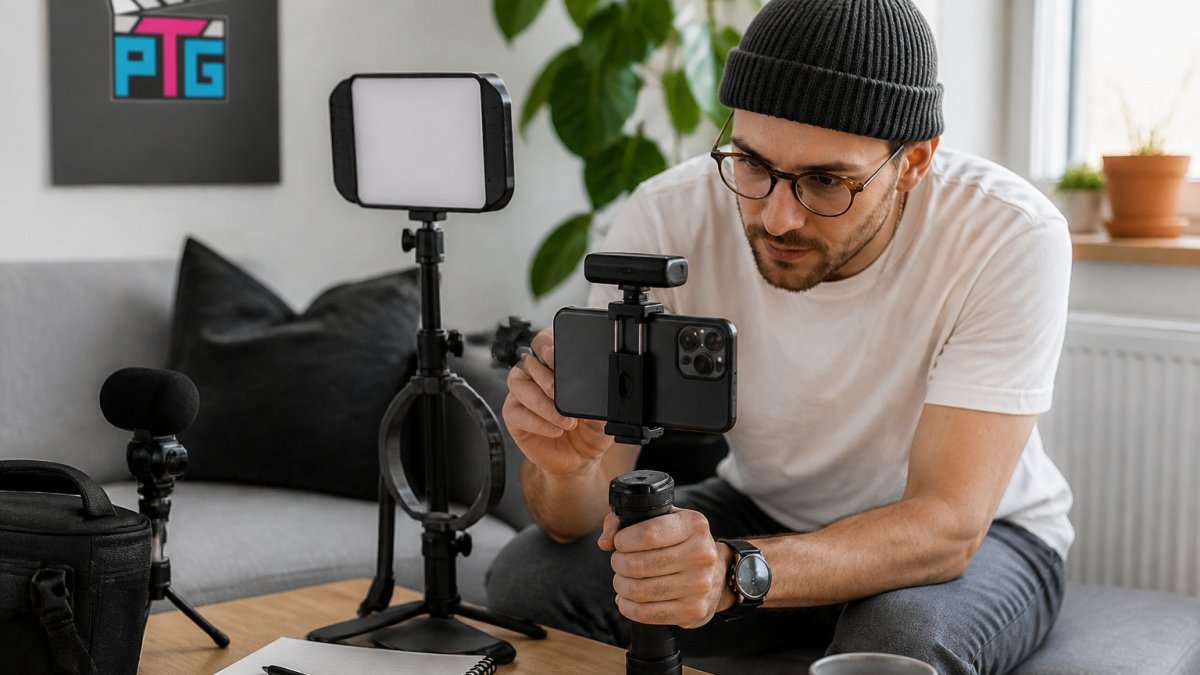
Start by cutting the first frame to the payoff moment. No intros. No "hey guys." No logo.
Three hook types that work for almost any niche:
- The question hook: open with a problem the viewer has.
- The visual hook: start mid-action, mid-motion, mid-surprise.
- The claim hook: state something specific and slightly bold.
A common mistake is burying the hook behind setup. In practice, this means your best five seconds are often sitting at the end of your raw footage. Move them to the front.
Read Your Retention Graph Before You Touch the Hook
Most creators guess at what's wrong with a hook. The retention graph in TikTok Analytics tells you exactly where viewers leave. Open the video's analytics, look at the audience retention curve, and read the first three seconds like a diagnostic:
- A cliff in the first second: the opening frame or first spoken word isn't landing. Swap the visual, not the caption.
- A cliff between seconds two and three: the setup is too slow. Cut straight to the payoff.
- A steady decline with no cliff: the hook works, but the middle sags. Fix pacing, not the opening.
- A flat line that holds: the hook is doing its job. Leave it alone and reuse the structure.
Pair the retention curve with the other signals in the app: average watch time, completion rate, rewatches, shares, saves, and comments. A hook that drives rewatches is usually a hook that creates a small loop, a visual or verbal pattern the viewer wants to see again. A hook that drives shares usually states something the viewer wants to send to a specific person.
A/B Testing Your Hook
Post the same clip twice with two different openings. Change nothing else. Compare watch time and completion rate after a few days. Keep the winner and reuse that hook style.
To make the test actually clean, follow a repeatable method:
- Pick one variable. The opening frame, the first spoken line, the on-screen text, or the first cut. Never two at once.
- Hold everything else constant. Same audio, same captions, same length, same posting time of day.
- Space the posts. A few days apart keeps the two clips from competing in the same feed window.
- Wait for a real sample. A few hundred views per variant is the floor before the numbers mean anything. Below that, you're reading noise.
- Log the result. Track variant, hook type, average watch time, completion rate, and rewatches in a simple sheet. After ten or so tests, patterns show up that no single post reveals.
Once you know which hook style wins for your audience, stop testing it and start reusing it. The goal isn't endless experimentation; it's finding the two or three openings that reliably hold your viewers and building every clip around them.
The Best Length for TikTok Videos (and Why It Changes Everything)
The best length for TikTok videos is the shortest runtime that still delivers the full story, usually somewhere between 15 and 45 seconds for most creators.
Length drives completion rate. Completion rate drives reach. That chain is why a tight 20-second clip often beats a loose 60-second one.
A simple rule: if a shot doesn't move the story, cut it. If a sentence doesn't add information, cut it.
| Video Goal | Target Length | Why It Works |
|---|---|---|
| Quick tip or joke | 7-15 seconds | Easy to rewatch, high completion |
| Tutorial or story | 20-45 seconds | Enough room for one clear idea |
| Mini-vlog or demo | 45-90 seconds | Only if pacing stays tight throughout |
Match Length to Format and Viewer Intent
Length isn't one number, it's a decision that follows the format. A tutorial viewer arrives with a problem and will stay for a clear answer. A storytelling viewer stays for tension. A product demo viewer stays to see the thing work. Editing choices should follow that intent:
- Tutorials: cut every step that isn't required to reach the result. Keep the payoff on screen long enough to be read. A 30-second tutorial that solves one problem beats a 90-second one that solves three.
- Storytelling: keep the setup short and the turn early. The clip can run longer than a tip, but only if each beat raises a question the next beat answers.
- Product demonstrations: show the product in use within the first few seconds, then cut to the result. Dead time between "here it is" and "here's what it does" is where viewers leave.
- Interviews: cut to the strongest answer first, then let the context follow. Front-loading the quote keeps viewers past the point where they'd normally scroll.
Diagnose Length With Your Metrics, Not Your Gut
Before you decide a video is "too long," check what the numbers say. Each metric points to a different fix:
- Low completion rate, strong first three seconds: the clip is too long for the idea. Cut the middle, not the hook.
- Low completion rate, weak first three seconds: the problem is the hook, not the length. Fix the opening before you trim.
- High completion rate, low rewatches: the clip is short enough but not dense enough. Add a detail viewers will want to catch twice.
- High rewatches, low shares: the clip is entertaining but not useful or sendable. Add a takeaway, a number, or a clear before-and-after.
Run the same clip at two lengths, a 20-second cut and a 40-second cut, and compare completion rate and rewatches side by side. Most creators find the shorter version wins on completion while the longer version wins on saves. Which one you keep depends on whether you want reach or depth on that post.
Trimming, Pacing, and Cutting Dead Time in Vertical Video
Dead time is the gap between the moment a viewer understands your point and the moment you move on. Trimming that gap is where most engagement gains hide.
SmallRig Universal Phone Cage Video Rig Kit →
Watch your raw clip once without editing. Mark every pause, every "um," every step where nothing changes on screen. Those are your cuts.
Pacing tips that hold attention:
- Cut on movement, not on silence.
- Change the shot every 2-4 seconds in fast sections.
- Let one slow beat breathe before a payoff.
- Match cuts to the beat of your music.
Vertical video rewards density. Fill the frame with information, then get out.
TikTok Editing Apps: In-App Tools vs. External Editors
TikTok's built-in editor handles most jobs: trimming, text, captions, transitions, effects, and sound sync. External editors give you finer control over color, audio levels, and frame-accurate cuts.
For beginners, start in-app. The tools are free, fast, and built for the vertical format. Move to an external editor when you need color correction, layered audio, or reusable templates.
What most guides miss is that your editing app matters less than your footage. A smartphone gimbal such as the AOCHUAN SmartXE 3-Axis Gimbal keeps the frame steady so your cuts land cleanly. For handheld shooting, a rig like the SmallRig Universal Phone Cage Video Rig Kit adds grip and stability.


TikTok Captions and Subtitles: Accessibility That Boosts Watch Time
Captions are not just an accessibility feature. Most viewers watch with sound off at some point, so on-screen text keeps them watching when audio is muted.
Add captions to every video. Keep them short, high-contrast, and placed away from the bottom edge where the interface sits.
Caption quality checklist:
- One to three words per line.
- High contrast against the background.
- No covering faces or key action.
- Accurate auto-captions, cleaned up by hand.
The Web Content Accessibility Guidelines set the standard for readable text contrast, and the same principles apply to captions on video.
Export Settings and Quality Troubleshooting for Vertical Video
Export settings decide whether your carefully edited clip looks sharp or soft after upload. Get these right once and reuse the preset forever.
Standard export settings for vertical video:
- Resolution: 1080 x 1920 pixels.
- Frame rate: match your source, usually 30 or 60 fps.
- Bitrate: high, so detail survives compression.
- Format: MP4 with H.264.
If your upload looks blurry, the cause is usually a low bitrate or a mismatched frame rate. Re-export at a higher bitrate and match the frame rate to your footage.
Lighting fixes more quality problems than any export setting. A small fill light such as the Ulanzi VL49 RGB Mini LED Video Light cleans up shadows and keeps skin tones even, which means less noise for the compressor to chew through.
Conclusion
Editing for engagement is a habit, not a one-time trick. Cut the dead time, test your hooks, caption everything, and export at full quality. That routine compounds with every post.
Perfect Take Gear stocks the gear that makes those edits easier: steady gimbals, phone rigs, and compact lighting built for creators at every level. Start with a gimbal for smooth footage, add a fill light for clean color, and build your setup one piece at a time.
Frequently Asked Questions
What's the 3-second rule on TikTok and how does it affect engagement?
The 3-second rule refers to the idea that viewers decide whether to keep watching within the first three seconds. If your opening frame is slow, unclear, or buries the payoff, viewers scroll past before the algorithm registers meaningful watch time. To apply it when you edit TikTok videos, front-load your hook: show the result, ask a sharp question, or drop a bold visual in the first frame. Test two different openings on the same clip and compare completion rates, not just views.
How long should a TikTok video be for engagement?
There is no single best length, but shorter clips generally hold attention better because completion rate matters. For a quick tip or punchline, 7 to 15 seconds often works. For storytelling or a mini-vlog, 21 to 34 seconds gives room to build without losing viewers. The real test is your audience retention graph: if viewers drop off at the 8-second mark, trim there. Match length to the content's payoff, not a fixed number.
Should you add captions to TikTok videos?
Yes. Captions and subtitles help viewers watching without sound follow along, and they make your video accessible to people who are deaf or hard of hearing. Auto-captions in the TikTok app are a starting point, but review them for errors, especially names and technical terms. Clean, well-timed captions can improve watch time and rewatch rate because viewers catch details they missed. Keep text readable: high contrast, 2 to 3 lines maximum, and synced to the spoken words.
Is it better to edit TikTok videos in the app or with another editing tool?
It depends on the job. TikTok's built-in editor handles trimming, transitions, effects, text, and sound quickly, which is ideal for fast turnarounds. External editing apps give you finer control over color correction, audio levels, and multi-clip sequencing. Many creators rough-cut in an external app, export a clean vertical file, then add TikTok-native text and sounds in the app. Either path works; the deciding factor is how much control you need over pacing and polish.