

Can You Mix Different Brand Equipment? A Creator's Guide
Table of Contents
- Can You Mix Different Brand Equipment? The Short Answer
- Warranty Implications of Mixing Brands
- How to Verify Equipment Specifications for Compatibility
- Risks of Using Non-OEM Parts and Incompatible Gear
Last Updated: August 15, 2026
Can You Mix Different Brand Equipment? The Short Answer
Mixing different brand equipment is possible when specifications, connectors, and power requirements align. Many creators successfully build hybrid setups combining microphones, cameras, lighting, and audio gear from different manufacturers. However, incompatible specifications can create performance issues, void warranties, and damage equipment. The key is understanding what specifications matter for your use case and verifying compatibility before setup. Cameras, Lighting & Audio Equipment from reputable brands often share industry-standard connectors and protocols, making compatibility easier to achieve.
Warranty Implications of Mixing Brands
Using non-OEM parts or mixing brands can directly affect your equipment's warranty coverage. Manufacturers typically void warranties when third-party equipment causes damage or malfunction. Most warranties explicitly state that using incompatible accessories may invalidate coverage. If a microphone fails because you connected it to an incompatible receiver, the manufacturer won't cover repair costs.
The warranty risk increases with critical components like audio equipment, cameras, and lighting systems. A power supply rated for 12V used on equipment designed for 24V could destroy the device, and the manufacturer would deny coverage because you used non-approved equipment.
Before mixing brands, check warranty documentation for language about "authorized accessories" and "third-party components." Some manufacturers explicitly approve specific third-party equipment, while others forbid any mixing. Document your setup in writing and photograph your configuration for potential warranty claims.
How to Verify Equipment Specifications for Compatibility
Verifying compatibility requires checking four critical specification categories: connectors, power requirements, frequency bands (for wireless equipment), and control protocols.
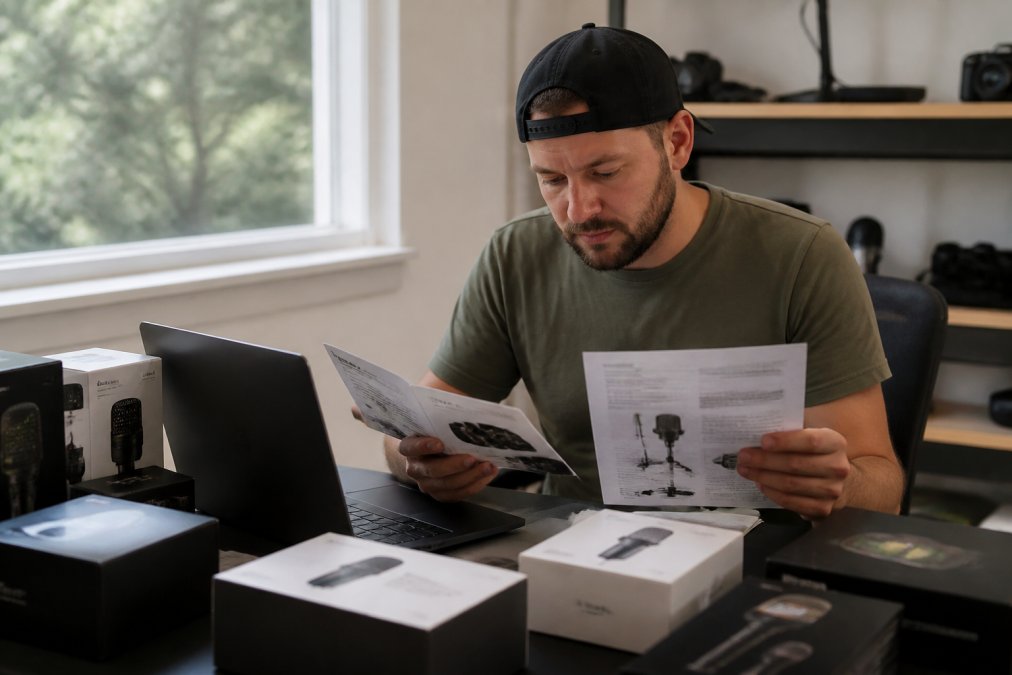
Start by identifying physical connectors on both devices. XLR connectors, USB-C, HDMI, and 3.5mm jacks are industry standards that work across brands. Some manufacturers use proprietary connectors that only work with their own equipment.
Power specifications matter equally. Check voltage and amperage requirements for each device. A microphone requiring 48V phantom power won't work properly with a mixer providing only 12V. Mismatched power specifications can damage equipment or create safety hazards.
For wireless equipment, verify frequency bands and protocols. Most wireless microphones operate on 2.4GHz or UHF frequencies. If devices use different frequency bands, they won't communicate.

| Specification | Device A | Device B | Compatible? |
|---|---|---|---|
| Connector Type | XLR | XLR | Yes |
| Power Requirement | 48V | 48V | Yes |
| Frequency Band | 2.4GHz | 2.4GHz | Yes |
Consult official specification sheets from manufacturer websites. If documentation is unclear, contact the manufacturer's support team directly. Test compatibility with non-critical equipment first to prevent failures during important recordings.
Risks of Using Non-OEM Parts and Incompatible Gear
Using incompatible equipment creates several specific risks beyond warranty issues. Performance degradation, audio quality loss, and equipment damage are the most common problems.
Incompatible gear often produces suboptimal results. A wireless microphone designed for one frequency band may experience interference when mixed with overlapping frequencies, resulting in dropped audio or signal loss. Lighting systems with incompatible power supplies flicker or produce inconsistent color temperature.
Impedance mismatches from incompatible cables degrade audio quality over time. Thermal stability issues arise when mixing equipment with different operating temperature ranges. Long-term mixing of incompatible equipment degrades performance gradually, with effects becoming noticeable after weeks or months.
Document any compatibility issues you encounter. Detailed records help with warranty claims and future purchasing decisions.
Building a Hybrid Setup That Actually Works
Creating a functional hybrid setup requires strategic brand selection. Start by identifying your critical path, the equipment that absolutely must work together flawlessly. For most creators, this includes the microphone, camera, and primary lighting, as these directly affect output quality.
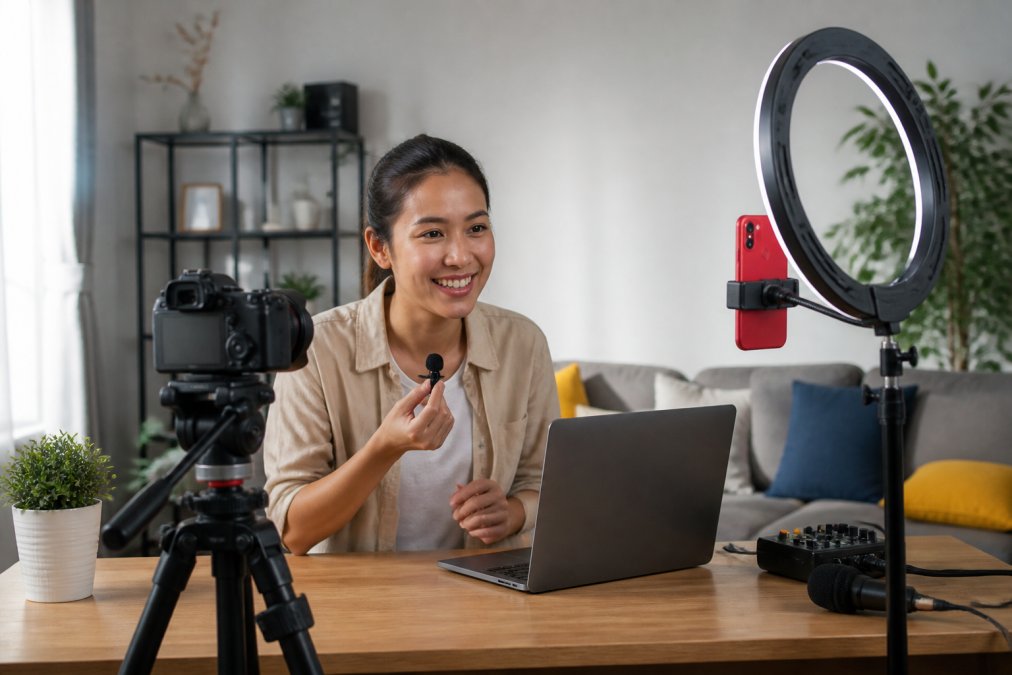
Secondary equipment can be more flexible. Cables, mounting systems, and backup lighting can often mix brands without affecting final output. A tripod from one brand works fine with a camera from another.
Create redundancy in non-critical components. Keep backup cables and connectors from each brand to prevent setup failures. Test your hybrid setup thoroughly before production use by running a complete recording session with all equipment together.
Document your working configuration, including which brands and models you've successfully combined, specific connector types, and power requirements. This documentation becomes invaluable when troubleshooting or upgrading equipment later.
Many creators successfully build hybrid setups by focusing on compatibility in critical areas while remaining flexible with secondary components. When building your Content Creator Gear & Equipment setup, prioritize verified compatibility in your core devices to ensure reliable performance.
Mixing different brand equipment works when specifications align, but compatibility requires verification before setup. Checking connectors, power requirements, and control protocols prevents most problems. Document your configuration and test thoroughly before production use. When in doubt, consult manufacturer documentation or contact support teams directly, a few minutes of verification prevents hours of troubleshooting later.
Frequently Asked Questions
Is it safe to mix different brands of equipment?
Yes, you can mix different brand equipment in most cases, but compatibility depends on matching specifications and connection types. Before combining gear, verify that inputs and outputs align (USB, 3.5mm, XLR, etc.), check voltage requirements, and confirm both pieces use compatible standards. Many creators successfully build hybrid setups using microphones from one brand with cameras from another. The key is checking specifications first rather than assuming everything works together.
Does mixing equipment brands void the manufacturer's warranty?
Mixing brands typically doesn't void your warranty, but using non-OEM (original equipment manufacturer) parts or accessories with a device might. Manufacturers usually only deny warranty claims if they can prove a third-party component caused the damage. However, some brands have stricter policies. Check your warranty documentation or contact the manufacturer before mixing brands. Using compatible, well-reviewed third-party accessories is generally safer than using unknown or substandard parts.
How do I check if two pieces of equipment are compatible?
Start by reviewing the specification sheets for both items. Look for matching connection types (USB-C, 3.5mm jack, XLR, Bluetooth), power requirements, and supported standards. Check the manufacturer's compatibility list on their website. Read user reviews and creator forums to see if others have successfully combined the same gear. When in doubt, contact the manufacturer directly with your specific equipment models. Many creators document their mixed setups online, which can serve as real-world compatibility proof.
What are the main risks of using non-OEM parts with my equipment?
Non-OEM parts may lack quality control, leading to poor performance, faster wear, or even damage to your primary device. Incompatible power adapters, cables, or connectors can cause electrical issues. Some third-party accessories introduce noise, latency, or signal loss that degrades your content quality. The biggest risk is voiding your warranty if the manufacturer proves a non-OEM part caused the failure. Stick with certified accessories or well-reviewed third-party options from established brands rather than generic or unknown manufacturers.
This article was written using GrandRanker