

7 Best Lighting Setups for Twitch Streaming Rooms
Table of Contents
- 1. Three-Point Lighting Setup for Streamers
- 2. Ring Light Solutions for Solo Streamers
- 3. Best Budget Lighting for TikTok 2026
- 4. RGB Lighting Ideas for Streaming Rooms
Last Updated: August 29, 2026
Professional streaming requires more than just a good camera and microphone. Lighting transforms your setup from amateur to broadcast-quality, controlling shadows, balancing skin tones, and creating visual separation that makes you stand out on screen. The challenge isn't finding lighting, it's choosing the right configuration for your space, budget, and streaming style.
1. Three-Point Lighting Setup for Streamers
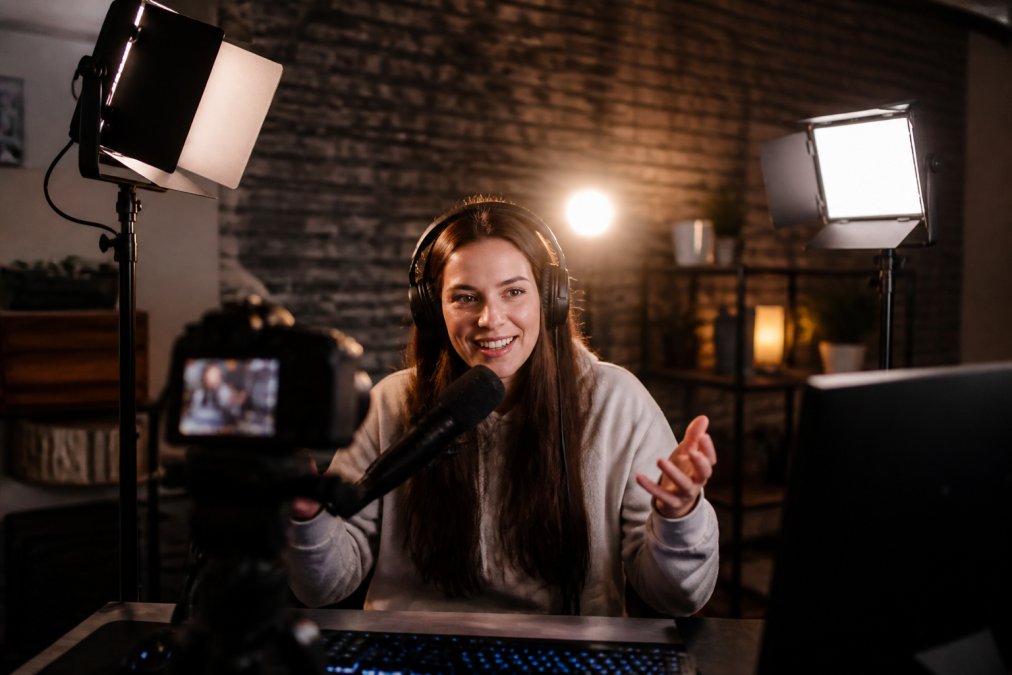
The three-point lighting setup for streamers is the industry standard. A key light serves as your main source at roughly 45 degrees to one side of your face, positioned slightly above eye level (the American Academy of Dermatology). A fill light sits opposite at half intensity, softening shadows. A backlight behind you creates rim light for separation and depth.
This setup mimics professional studios and handles different skin tones better than single-light solutions (peer-reviewed research). The COLBOR CL100X or similar Bowens-mount lights work well as key lights because they support modifiers like softboxes that control light spread. If you're building out your three-point setup, Cameras, Lighting & Audio Equipment resources can help you select the right modifiers and positioning tools for your space.

2. Ring Light Solutions for Solo Streamers
Ring lights simplify setup for solo content creators. The circular light source wraps around your camera, producing even, shadowless illumination directly onto your face. This works exceptionally well for beauty content, tutorials, and close-up talking head streams where flattering, even light matters more than dramatic depth.
The 18-inch ring light from Perfect Take Gear delivers adjustable RGB modes, letting you shift color temperature and add ambient color to match your room's aesthetic. Ring lights excel at eliminating under-eye shadows and creating that polished, broadcast look without complex positioning.

3. Best Budget Lighting for TikTok 2026
The best budget lighting for tiktok 2026 focuses on portable, affordable solutions that don't sacrifice quality. Compact RGB panel lights deliver full-color modes, adjustable color temperature from 2700K to 6500K, and CRI above 95 for accurate color rendering (cie.co.at). These lights run on USB power or batteries, eliminating the need for wall outlets.
The key to budget lighting is prioritizing adjustability and portability over raw power. A 40-watt panel light positioned correctly delivers better results than a 100-watt light that's poorly placed or too harsh. Content Creator Gear & Equipment includes budget-friendly panel options that balance affordability with the durability needed for regular streaming.
4. RGB Lighting Ideas for Streaming Rooms
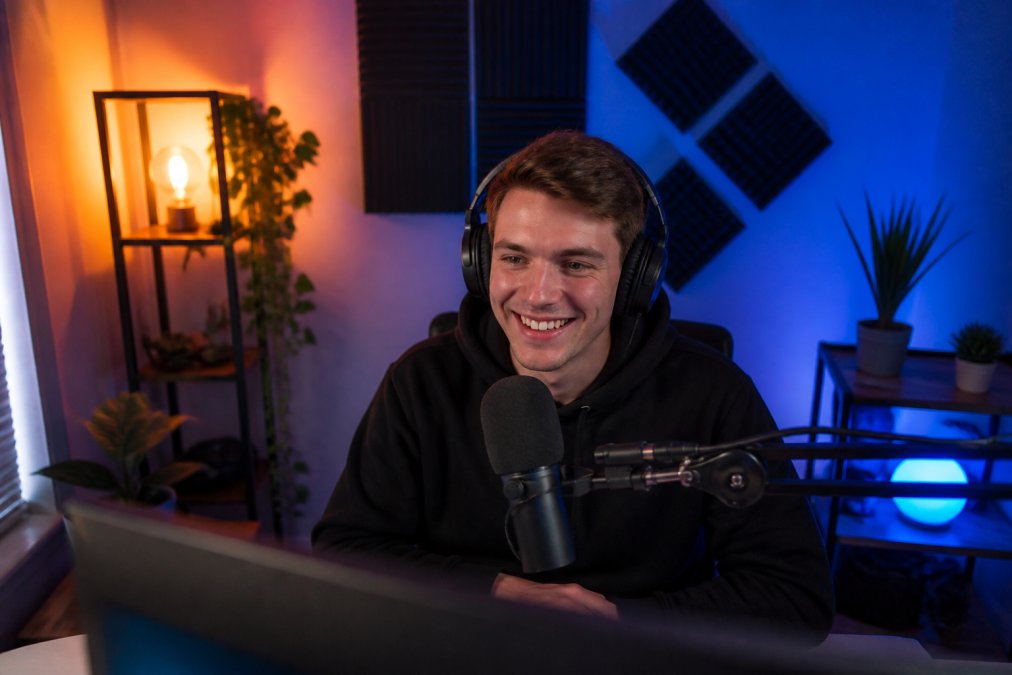
RGB lighting transforms your streaming room's atmosphere and adds visual interest that keeps viewers engaged. Use warm amber tones during late-night streams for a relaxed vibe, shift to cooler blues during competitive gaming, or add accent colors that complement your brand.
Ambient RGB lighting works best when layered. Use RGB panels as accent lights behind monitors or shelving rather than as your primary key light. Pair them with a white key light for proper face illumination, then add RGB accents for atmosphere.
The right lighting setup depends on your space, budget, and streaming style. Three-point lighting delivers broadcast quality but requires more equipment and positioning knowledge. Ring lights offer simplicity and flattering results for close-up streams. Budget options provide portability and color flexibility. RGB accent lighting adds visual personality while complementing professional key lighting.
Start with one approach that matches your current setup and budget, then refine based on how you look on camera. Most streamers find that upgrading from no lighting to even basic three-point or ring light configuration produces the biggest immediate improvement in perceived professionalism. Perfect Take Gear carries the equipment needed for each of these setups, from affordable starter kits to professional-grade modular systems that scale as your streaming grows.
Frequently Asked Questions
Q: What is the three-point lighting rule for streaming?
A: Three-point lighting uses a key light (main illumination at 45 degrees), a fill light (softening shadows on the opposite side), and a backlight (creating separation between you and the background). This standard setup delivers professional-looking video with balanced exposure, reduced harsh shadows, and visual depth. Most professional streamers use this foundation because it works across all skin tones and camera types.
Q: Can I improve my stream lighting on a budget?
A: Yes. A single ring light starting around $50 provides even facial illumination and works well for solo streamers. The 12-inch ring light with 67-inch tripod stand offers adjustable color temperature and brightness levels, making it adaptable to different times of day and room conditions. Pair it with natural window light as a fill source to reduce costs while maintaining quality.
Q: Do I need RGB lighting for a professional Twitch setup?
A: RGB lighting isn't required for professional streaming, but it adds visual appeal and flexibility. RGB panels let you match your room's mood, create branded aesthetics, or shift colors for different content types. Options like the Ulanzi LT003 with HSI full-color modes give you creative control without breaking the budget, though white or bi-color lights alone deliver excellent streaming results.